Free builds the whole set.
Pro adds your hardware.
Analysis, auto-mixing, rendering and export to your DJ app are free for home use. Pro and Lifetime add MIDI controllers, recording and live-streaming.
Free
For home use. No trial, no card.
- Key, BPM, 1–10 energy and structure for every track
- Simple and Advanced modes; auto-built sets with an energy curve, rendered to WAV or FLAC
- Mashup finder, live decks, collections and crates
- Export to rekordbox, Serato, VirtualDJ, Traktor, Engine DJ, Mixxx and djay
- Your first set needs no key; after that a free key
Pro
That’s $4.92 a month. Everything in Free, plus your hardware.
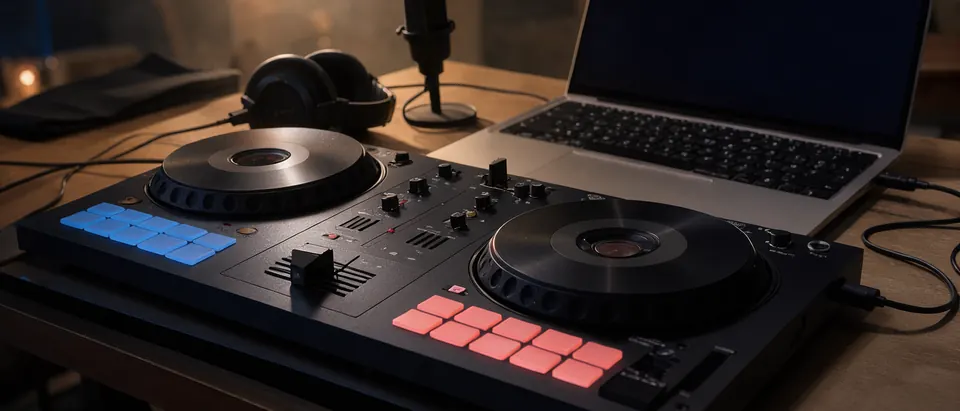
- MIDI controllers: 8 maker-mapped models, 4 community maps, plus MIDI-learn
- Record your sets as audio or HD video
- Live-stream to YouTube, Twitch, Facebook or a custom RTMP server
- Priority email support
- Cancel anytime; the app drops back to Free
Lifetime
Pay once. Pro, for good.
- Everything in Pro, with no subscription
- Future Pro features included
- 30-day money-back guarantee
- Your key arrives by email right after checkout
- Every key works on 2 of your computers
Checkout by Lemon Squeezy Card, PayPal, Apple Pay 30-day money-back on Lifetime Sales tax and VAT handled
What the same jobs cost elsewhere
Each of these jobs is usually a separate purchase. Here is what the best-known tool for each one costs, next to what it costs in CortexDJ.
| The job | Bought separately | CortexDJ |
|---|---|---|
| Key, BPM and energy analysis for your library | Mixed In Key 11: $58 once | Free |
| Stem separation and mix suggestions | Mixed In Key 11 Pro: $99 once (includes the analysis above) | Free |
| Play your sets on a DJ controller and record them | rekordbox Core plan: $12 a month, or Serato DJ Pro: $299 once | Pro $59 a year or Lifetime $127 |
Prices in US dollars before tax, as listed on mixedinkey.com and serato.com on October 19, 2026 and on rekordbox.com on October 14, 2026 (yearly billing is cheaper there); they can change. These products do more than the parts compared here, and CortexDJ supports fewer controllers than rekordbox or Serato (see the list below), so check that yours is supported. Trademarks belong to their owners; CortexDJ is not affiliated with them.
Free vs Pro, line by line
| Feature | Free | Pro / Lifetime |
|---|---|---|
| Track analysis: Camelot key, BPM, energy, intro/drop/outro | Yes | Yes |
| Auto-built, beatmatched sets (RENDER SET) to WAV or FLAC, with a tracklist | Yes | Yes |
| Simple mode (Make a mix) and Advanced mode | Yes | Yes |
| Live decks: sync, EQ, filter and echo, loops, hot cues, auto-DJ, progress ring | Yes | Yes |
| Library with crates and genre collections | Yes | Yes |
| Mashup finder with AI stem separation | Yes | Yes |
| Export to rekordbox XML (playlist only, or with grids and cues), Serato crates, M3U8/M3U for VirtualDJ, Traktor, Engine DJ, Mixxx and djay | Yes | Yes |
| MIDI controllers (detected at launch, or with Rescan) and MIDI-learn | —No | Yes |
| Record sets as audio or HD video | —No | Yes |
| Live-stream to YouTube, Twitch, Facebook or custom RTMP | —No | Yes |
| Gigs, venues and other public or paid use | —No | Yes |
| Computers per key | 2 | 2 |
Streaming and recording are tools, not music licences. You need the rights to the music you stream, publish or play in public, as with any DJ software.
Questions about paying
What if I cancel Pro?
Is there a refund?
Which controllers does Pro support?
Can I use it at a gig or a venue?
Who handles the payment?
Do I need Pro to make sets?
Start free, upgrade when your hardware does
Your first set needs no key and no email. Pro and Lifetime are there when you plug in a controller or go live.